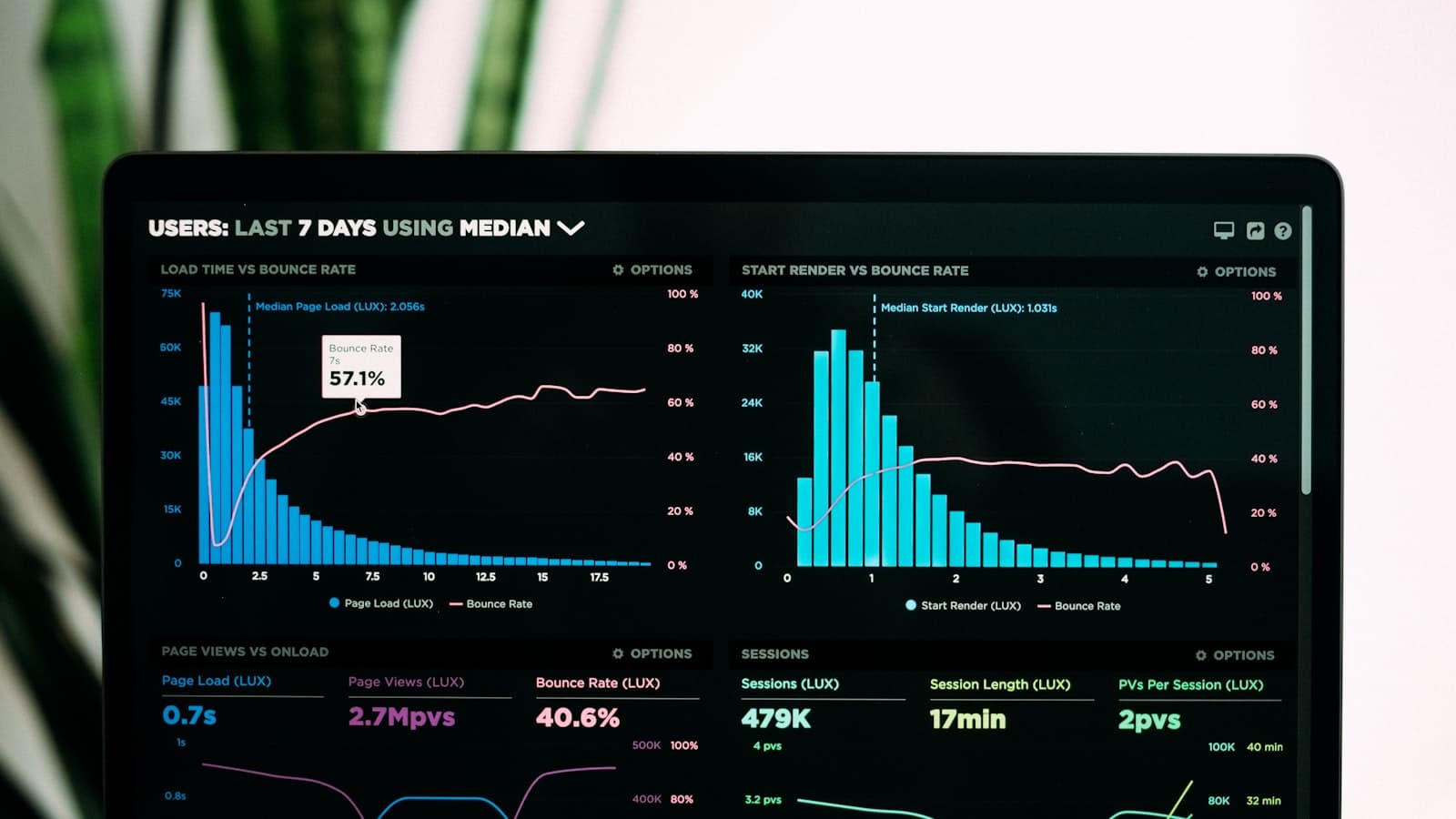
A slow WordPress site is the most common complaint in this line of work, and the least understood. Owners blame WordPress itself, or the theme, or the last developer. The truth is less dramatic: slowness on WordPress is sediment — many small decisions that each added a little weight, none of which anyone ever removed. Which means it is fixable, methodically, once you know where to look.
First, measure — do not guess
Before touching anything, run the site through PageSpeed Insights or Lighthouse and read past the score to the complaints themselves. The single most useful thing they tell you is where the time goes, in two broad halves: the server being slow to start responding (time to first byte), or the page being heavy once it arrives. Those two problems have completely different fixes, and guessing wrong wastes weeks.
If the server takes a long time before anything arrives, look at hosting, PHP version and caching. If the page arrives promptly but takes forever to become usable, look at what the page is shipping — scripts, stylesheets and images. Most sites suffer some of both.
Cause one: every visit rebuilds the page from scratch
Without page caching, WordPress runs PHP and queries the database to assemble each page for every single visitor — work that produces an identical result every time. Page caching builds the page once and serves the built copy; browser caching stops returning visitors re-downloading what has not changed. Together they are the single biggest win on the typical install, which is why they are the first feature in the performance plugin I ship.
Cause two: plugins loading assets everywhere
The classic: a contact-form plugin loading its scripts and styles on every page of the site, for one form on one page. Multiply that by fifteen plugins and the weight arrives before a word of content does. The fix is conditional loading — assets only on pages that use them — either built into well-made plugins or imposed afterwards with a script manager.
Cause three: oversized images
Photographs uploaded straight from a phone or camera and scaled down by the browser are the most common heavy asset on small-business sites. The visitor downloads every pixel and sees a fraction of them. Sizing images to their display width and serving modern formats routinely removes more weight than any plugin can.
Cause four: render-blocking CSS and unused JavaScript
The browser will not paint the page until every queued stylesheet has arrived, so a pile of CSS files holds the first paint hostage. The fix is critical CSS — inlining what the top of the page needs so it renders immediately, while the rest arrives without blocking. JavaScript that nothing on the page uses should simply not load; that is the script manager’s job again.
Cause five: the hosting floor
Hosting is real, but it is usually the second problem. Cheap shared hosting and an outdated PHP version put a floor under how slow the site can get — and if time-to-first-byte stays poor with caching in place, the site has outgrown its plan. But moving a heavy, uncached install to premium hosting just makes the sediment arrive from a faster server. Fix the build first, then judge the hosting on what remains.
Does a slow site really hurt search ranking?
Yes, but not the way the scare posts say. Google folds page experience — the Core Web Vitals: how fast content appears, how soon the page responds, how much it jumps about — into ranking, and a genuinely slow site is at a disadvantage. But the larger cost is human and immediate: visitors on slow connections give up before the page paints, and every abandoned visit is a customer the ranking argument never gets to matter for. Fix speed for the visitor; the ranking benefit comes along behind.
How fast is fast enough?
Chasing a perfect score is a hobby, not a goal. The honest target is a page that paints its content quickly on an ordinary phone connection and responds the moment it is touched — which is what the Core Web Vitals measure. Once the measurements are green and the site feels immediate on a mid-range phone, further optimisation is invisible to every real visitor, and the remaining effort belongs in content instead.
The order I fix them in
- Measure, and split the problem: server response or page weight.
- Turn on page and browser caching — the biggest single win.
- Resize and compress images to their display size.
- Cut what each page loads: conditional assets, script manager, critical CSS.
- Remove plugins whose job ended — every one is weight, queries and risk.
- Only then judge hosting and PHP, on the measurements that remain.
Running Elementor?The builder-specific version of this diagnosis, including where Elementor is and is not to blame.The pluginsCorSpeed exists because this is the work that moves the needle — caching, critical CSS, script manager.Performance is mostly the discipline of not shipping what the page does not use.